Download Alight Motion Mod APK 2025 All old Version without Watermark
Alight Motion APK is a popular video editing app used by millions. It lets users create animations, motion graphics, and video edits on their phones. The app is powerful yet easy to use, making it a favorite for many creators. I often use Alight Motion to add cool effects and smooth transitions to my videos.
Some users prefer older versions, like Alight Motion Mod APK 2025, because new updates can cause problems, such as crashes or annoying ads. They find the older version more familiar and reliable. Alight Motion frequently adds new features, but not everyone likes the changes. If you want the old version of Alight Motion Mod APK 2025 without watermark, it’s easy to find and download for a smoother editing experience.
Alight Motion Mod APK 2025 Old Versions
Alight Motion v5.0.277 Mod APK

Alight Motion v5.0.276 Mod APK
Alight Motion v5.0.273 Mod APK
Alight Motion v5.0.272 Mod APK
Alight Motion v5.0.271 Mod APK
Alight Motion v5.0.270 Mod APK
Alight Motion v5.0.260 Mod APK
Alight Motion v5.0.249 Mod APK
Alight Motion v5.0.229 Mod APK
Features of Alight Motion Mod APK 2025
Professional Video Editing
Alight Motion 2025 allows you to mix video clips, images, text, and audio in one project. You can layer different elements and adjust their timing for a smooth final product. This flexibility is great for making short videos, promotional clips, social media content, and creative presentations. You don’t have to use just one editing track; you can handle each element separately and control how they show up in the video.
Keyframe Animation
Keyframe animation is a valuable feature of the app. It lets you set how an element changes over time. For instance, you can choose a starting position for text and a different ending position. The alight motion pro apk 2025 fills in the movement between these points. You can use this for position, size, rotation, and other properties. Keyframes are great for making animated titles, moving backgrounds, transitions, and lively logo displays.
Visual Effects and Filters
Visual effects can enhance an edit and define its style. Alight Motion Pro APK latest version 2025 provides tools to create and customize effects for various looks. You can adjust colors, blur, add shadows, borders, and more, based on your chosen effect and membership features. Instead of using all effects at once, pick those that match your footage. A consistent visual style generally performs better than an edit filled with excessive filters.
Multiple Layers
Layer-based editing lets you control each part of a project better. You can arrange images, videos, text, shapes, and audio as separate layers. For instance, you can put a background video in one layer, a title in another, and animated decorations above. Each part can be changed without starting over. This method is helpful for complex edits and makes fixing mistakes easier.
Custom Text and Fonts
Text plays a key role in tutorials, social media videos, promotional content, and lyric edits. Alight Motion Pro APK new version 2025 allows you to use custom fonts and style your text. You can try different font sizes, colors, positions, shadows, and animations to fit your project’s design. It’s crucial to make text easy to read, especially on small smartphone screens.
Smooth Transitions and Motion Blur
Transitions connect clips and make videos feel smoother. You can use keyframes, easing curves, and motion effects to create smooth movement between scenes. Motion blur can also help fast action look more fluid. The best settings depend on your footage, project frame rate, and device performance. Beginners should start with simple transitions. As you improve, you can try more complex animations.
Vector Graphics and Shapes
Alight Motion Premium 2025 supports both vector and bitmap graphics. Vector graphics are great for logos, icons, illustrations, and animated shapes. You can create or edit these graphics and add them to your video. Shape-based animation works well for motion graphics, animated backgrounds, and branding projects.
Audio and Video Synchronization
Music, voiceovers, and sound effects make videos more engaging. Alight Motion lets you mix audio with visuals. To sync better, align key movements and transitions with moments in the soundtrack. For instance, you can animate text when a beat hits or change scenes with new sections in the music. Good timing can enhance your edit’s quality without needing complex effects.
Multiple Export Options
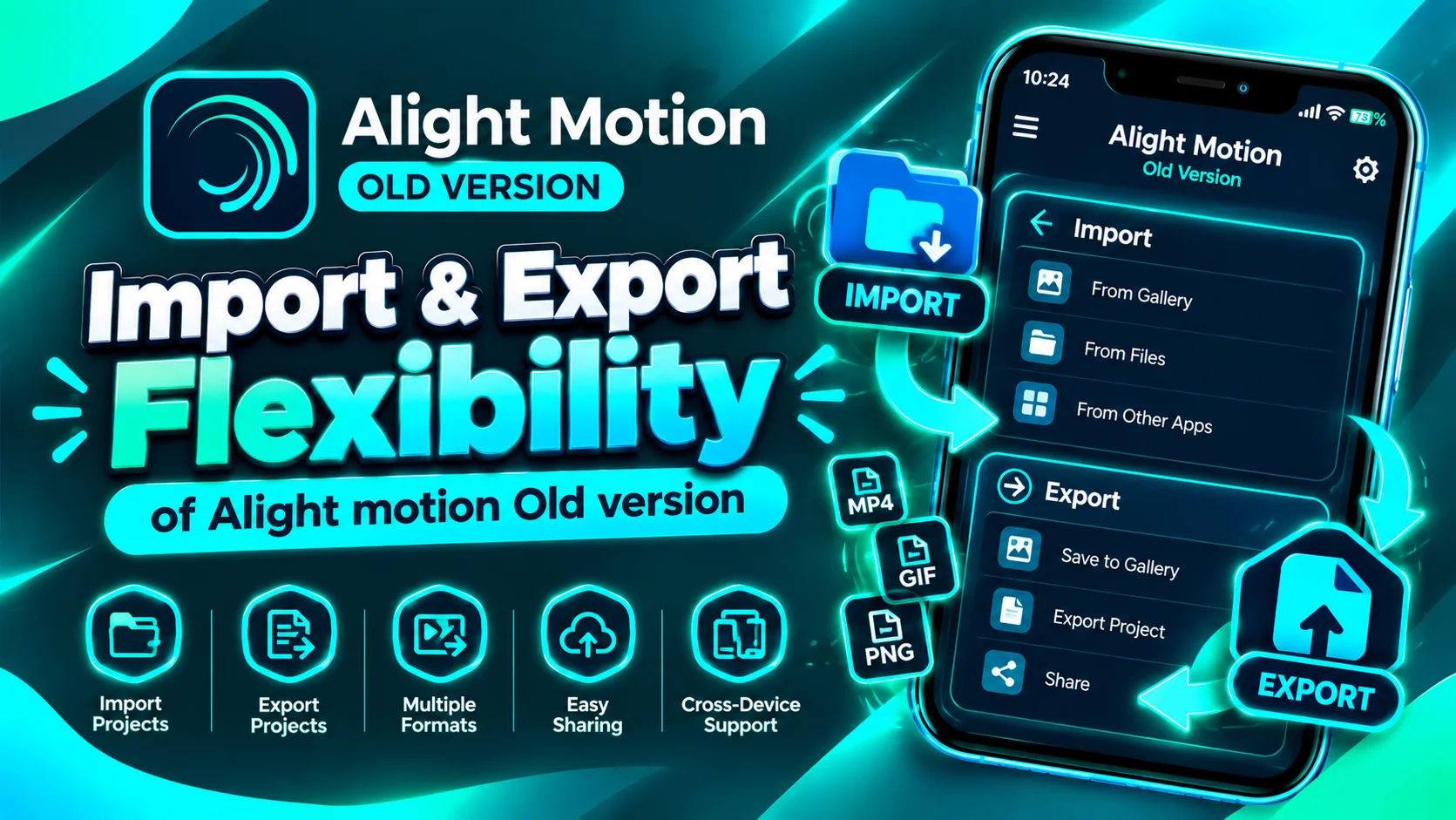
When you finish your project, you can export it in a supported format. The official app includes formats like MP4, GIF, PNG sequences, and still images. Use MP4 for sharing videos on social media. GIFs are great for short looping animations, and PNG sequences are useful for projects needing single image frames.
MOD Features of Alight Motion APK Old Version
Unlocked Premium Items
The Alight Motion app has some limits. Users often find that premium features, like special effects, unique fonts, and filters, need a subscription. This can be frustrating for those trying to improve their editing skills. alight motion mod apk latest version 2025 solves this issue. With this version, you get full access to all premium features without paying.
You can use advanced effects that make your videos look professional. The stylish fonts and many filters let you be more creative with your edits. This means you can make amazing videos and animations without worrying about costs. The Alight Motion Mod APK 2025 really expands options for all users. Enjoy editing like never before!
No Watermark
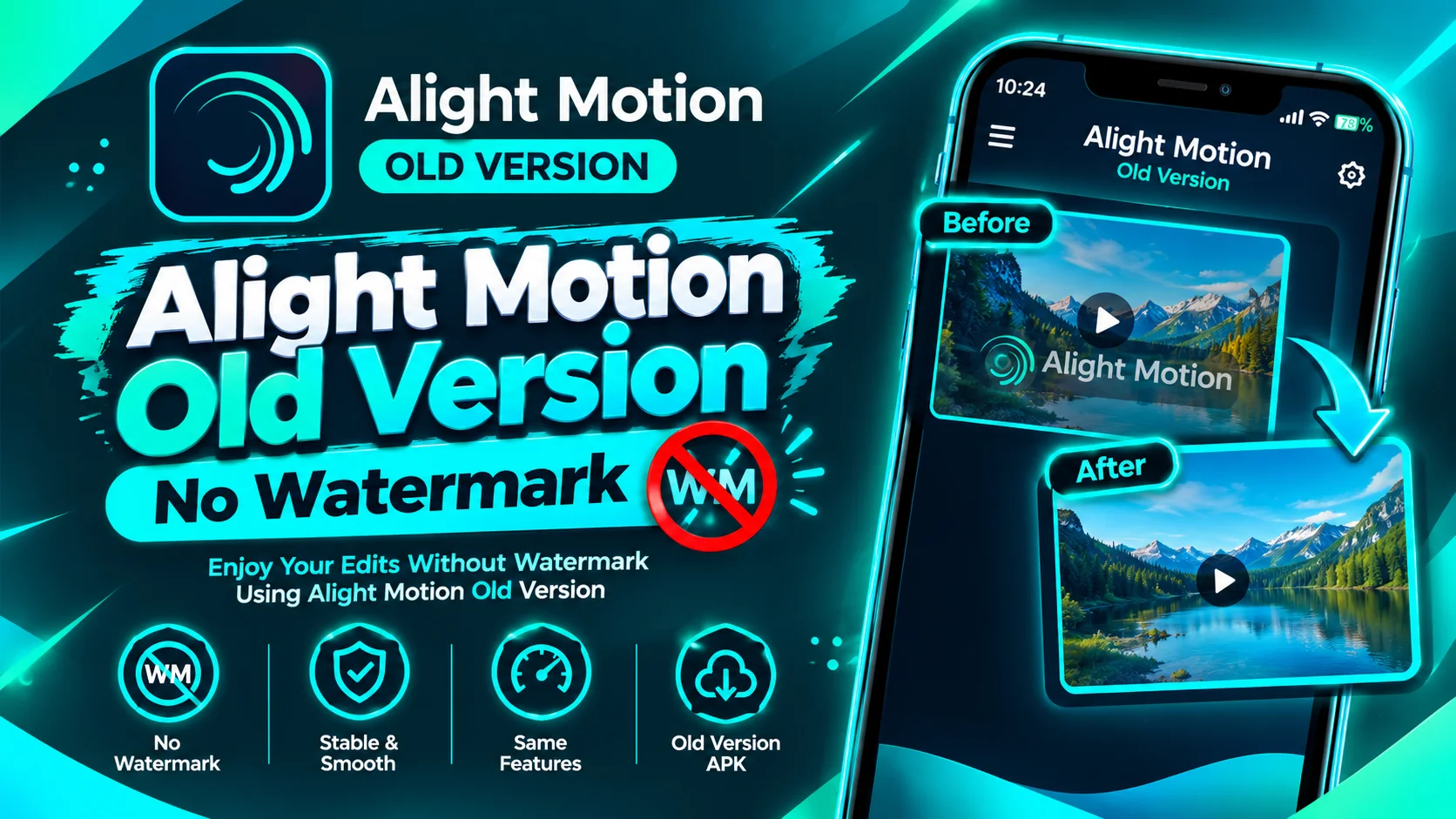
The official Alight Motion app adds a watermark to your videos, making them look unprofessional for sharing. With the Alight Motion Mod APK 2025, you can remove this watermark, allowing you to create clean and polished videos.
The mod version lets you share your edits on popular platforms like YouTube, TikTok, and Instagram. Your videos will be more appealing to viewers. Using the Alight Motion Mod APK 2025 no watermark allows you to express your creativity freely. Enjoy making videos without the worry of watermarks!
No Ads
Ads can interrupt your video editing. They show up at the worst times, making it hard to concentrate. With the Alight Motion Mod APK 2025, you can edit without interruptions. This version eliminates all ads, letting you focus on your work.
You won’t have to skip or wait for ads. The Premium Mod APK manages everything for you, keeping your editing smooth. Enjoy a better editing experience and focus on creating great videos. The Alight Motion Mod APK 2025 is a must-have for any video editor.
Import & Export Flexibility
When you work with video clips, some quality loss can happen when you import or export them. The Alight Motion Mod APK 2025 fixes this problem. This version keeps your videos clear and sharp, no matter how much you edit. You can edit freely, knowing the final product will look great. You can also choose HD or higher resolutions based on your needs.
Downloading the Alight Motion app lets you control the quality and size of your videos. You can create high-quality content without losing any details. Edit with confidence and share your videos worry-free!
How to Download and Install Alight Motion MOD APK 2025 Old Version?
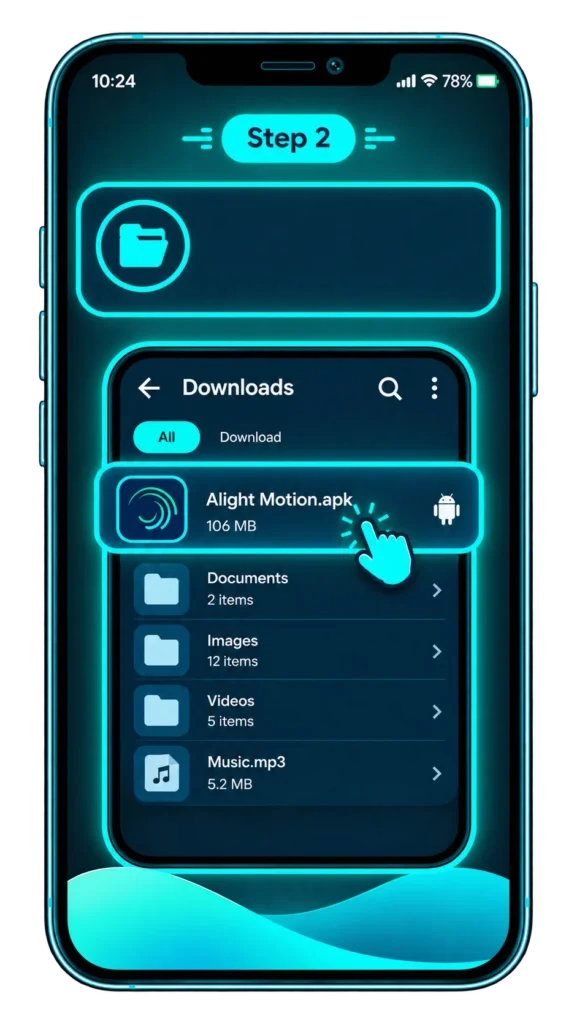
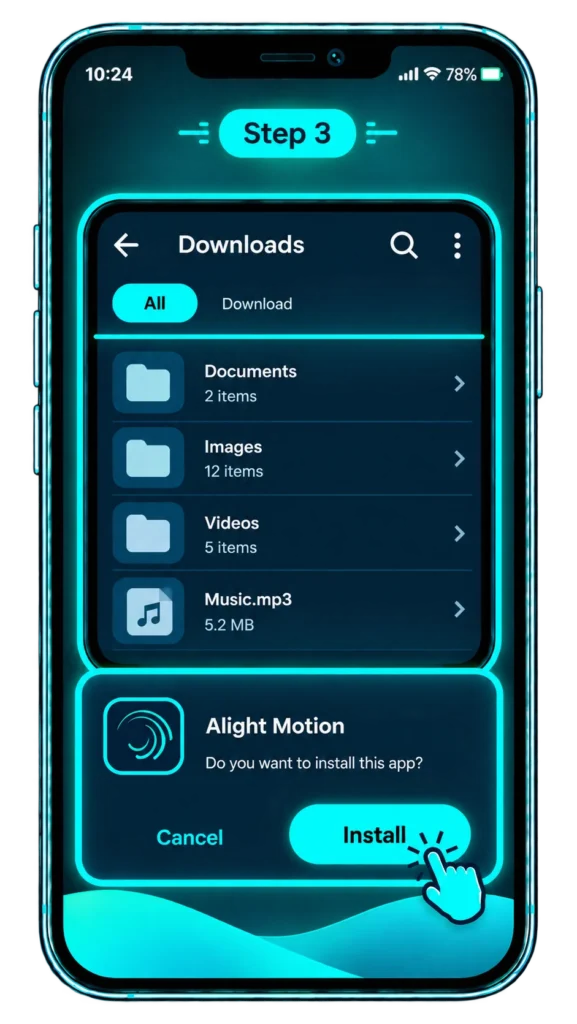
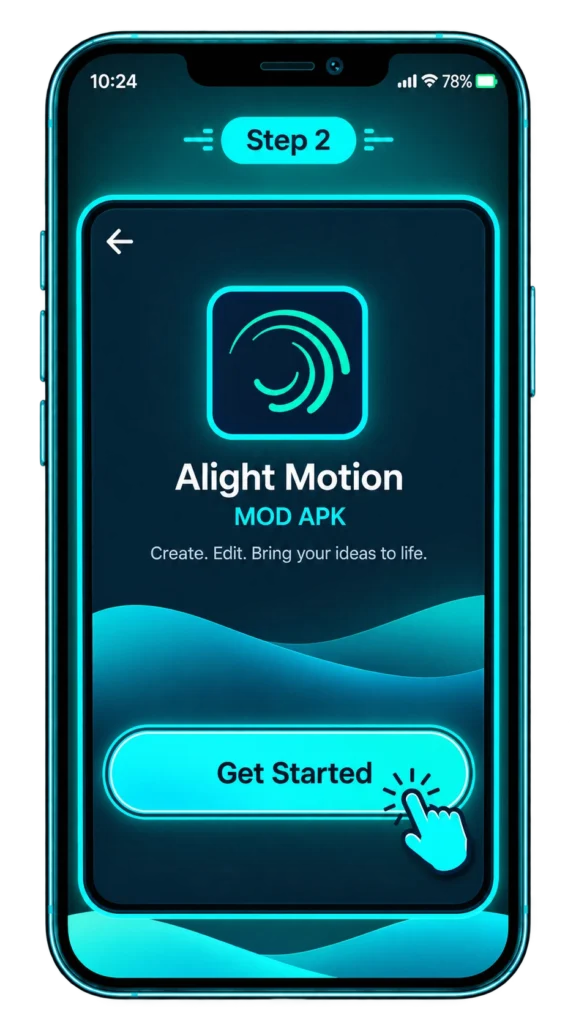
Advantages of Alight Motion 2025 Old Version
Here are some benefits of using the Alight Motion update 2025 old version :
Optimized Performance & Stability:
The Alight Motion 2025 APK is better for mid-range or older devices because it uses less processing power. This means smoother video editing, less lag, and faster rendering. Newer updates may have cool features, but they often require more system resources, which can slow down older devices. Using an older version helps users with weaker hardware edit videos more easily.
No Compatibility Issues:
The latest Alight Motion versions may not work well on old Android devices because they require more resources. If your device crashes or freezes, try using an older version of Alight Motion. These older versions perform better on low-spec devices, allowing you to use basic editing tools. If you have an older phone, switching to a previous version can make it easier to use.
Consistent Editing Workflow:
Frequent updates can disrupt your editing routine with new features that require time to learn. The old version of Alight Motion APK 2025 maintains the familiar layout and tools, helping you work efficiently. If you value consistency and prefer known tools, the old version is a great choice for smooth creativity.
Compatible with Low-End Devices:
The latest Alight Motion versions require more RAM and processing power, making them tricky to use on budget or older devices. Older versions are lighter and run well on low-end hardware, providing smooth performance. They are ideal for users with basic smartphones who want to create high-quality videos without slowdowns or crashes.
Access to Premium Features:
Older versions of Alight Motion MOD APK offer premium features, like removing watermarks and using advanced editing tools. This allows users to make high-quality videos without ads or interruptions. With an older version, you can enjoy smoother editing and access powerful tools for your creative projects.
Disadvantages of Alight Motion 2025 Old Version
The old version of Alight Motion has its appeal, but it also has several downsides:
Missing New Features and Tools:
The latest Alight Motion updates offer better keyframe animations, new effects, and improved color grading tools. These upgrades make video editing easier and more creative. Users who keep the old version miss out on these features and limit their ability to create high-quality content.
Bugs and Stability Issues:
Older versions of Alight Motion often lack important bug fixes and performance upgrades from newer updates. This can lead to crashes, glitches, or slow editing. Outdated versions may also struggle on new devices, causing slower performance and frustration for users.
No Official Support:
Using an old version means losing official customer support. If you run into problems, you’ll have to rely on community forums or online tutorials, which may not always be helpful. Without official help, fixing issues can take a lot of time and be risky.
Security Vulnerabilities:
Older versions of Alight Motion might have security risks, making them easier to hack or infect with malware. This can put your device and personal information at risk. It’s important to update the app regularly to keep it safe and your data secure.
Lack of Performance Optimization:
Modern updates usually make the app run faster and better. Older versions of Alight Motion can feel slow, especially with complex projects or high-resolution videos. Upgrading to the latest version leads to smoother editing and improved performance.
Frequently Asked Questions
In conclusion, the Alight Motion Old Version Mod APK has benefits like improved performance on low-end devices, smoother workflows, and access to premium features. However, it also has downsides, such as missing new tools, potential bugs, and security risks. Your choice between the old and new versions should depend on your needs and what your device can handle.
If you prefer stability and compatibility, stick with the old version. If you want the latest features and improved performance, upgrade to the new version. Think about the pros and cons to get the best video editing experience for your projects.